Listen Offline at Your Speed
Version 2.2More room to play
Your audio.
Your pace.
No internet required.
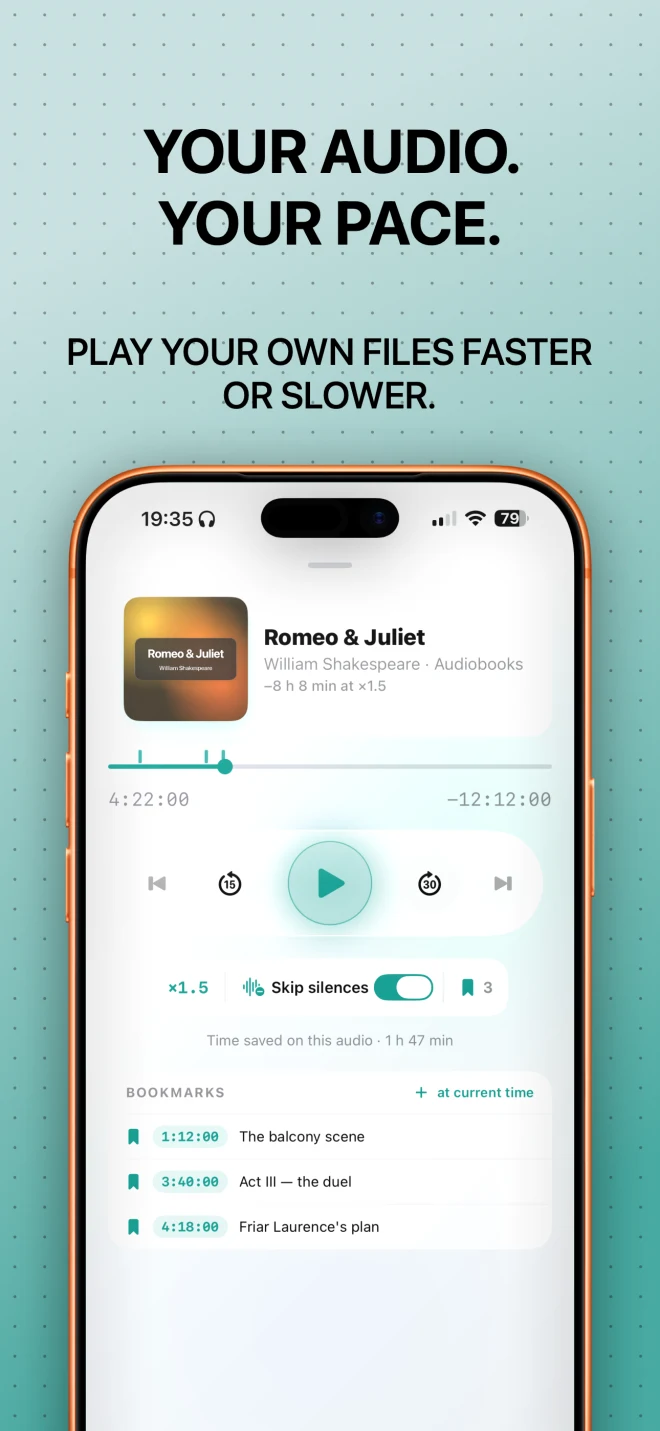
SpeedAudio is a focused offline player for the audio files you already own. Import an audiobook, lecture, voice memo, interview, language lesson, course, meeting, or recording, then listen at the pace that works for you.
Your audio. Your pace. Listen offline, skip silences, save bookmarks and see time saved. Try 3 imports free, then unlock once — no subscription.
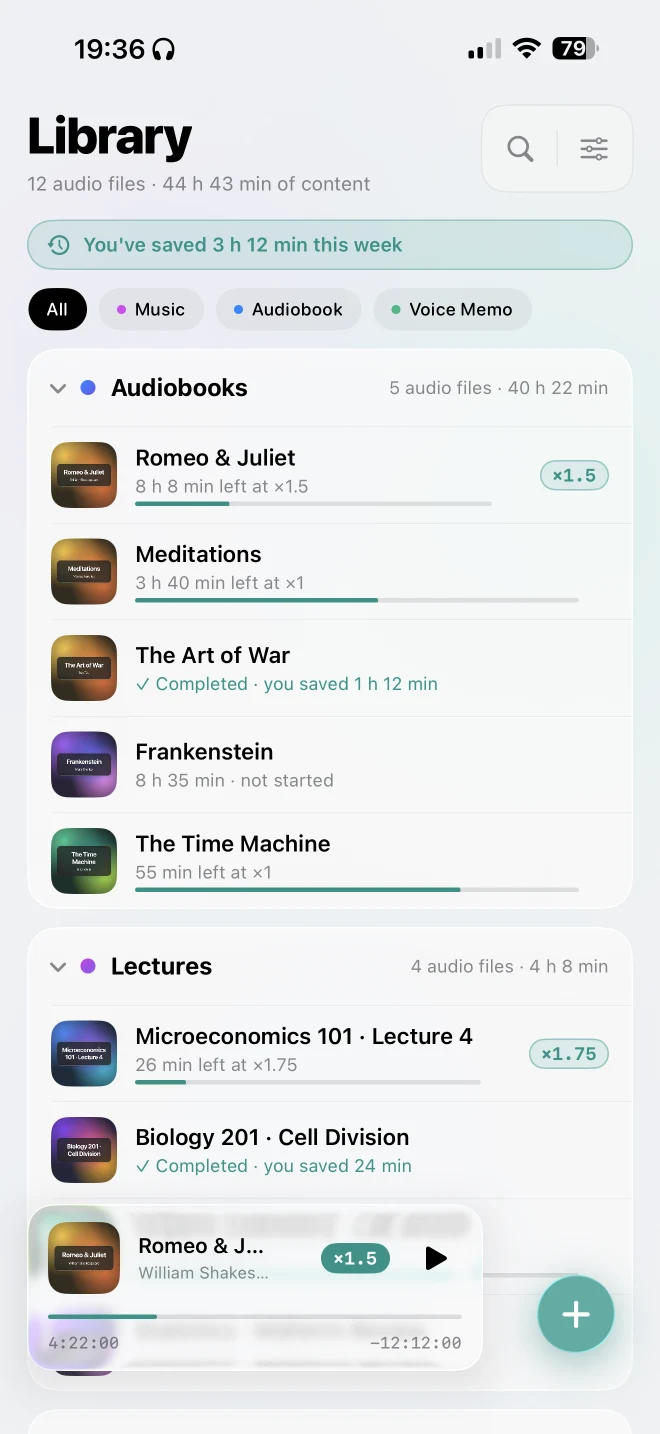
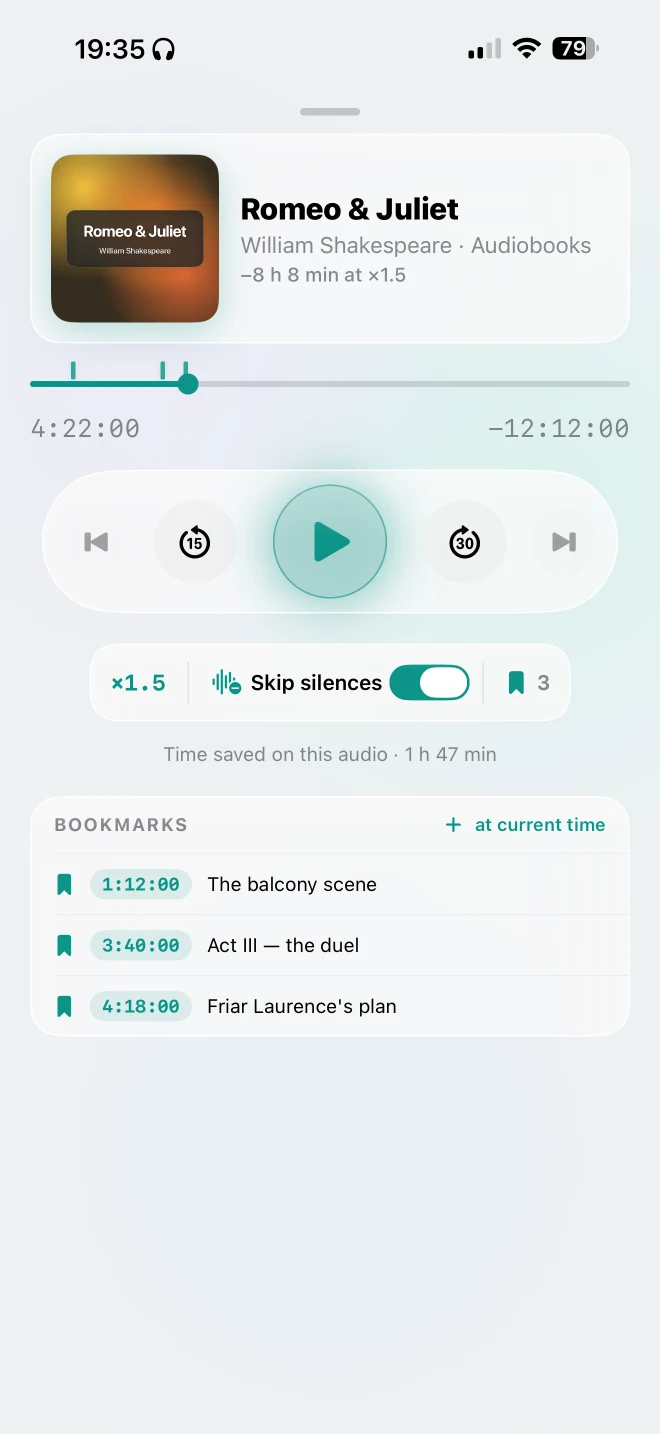
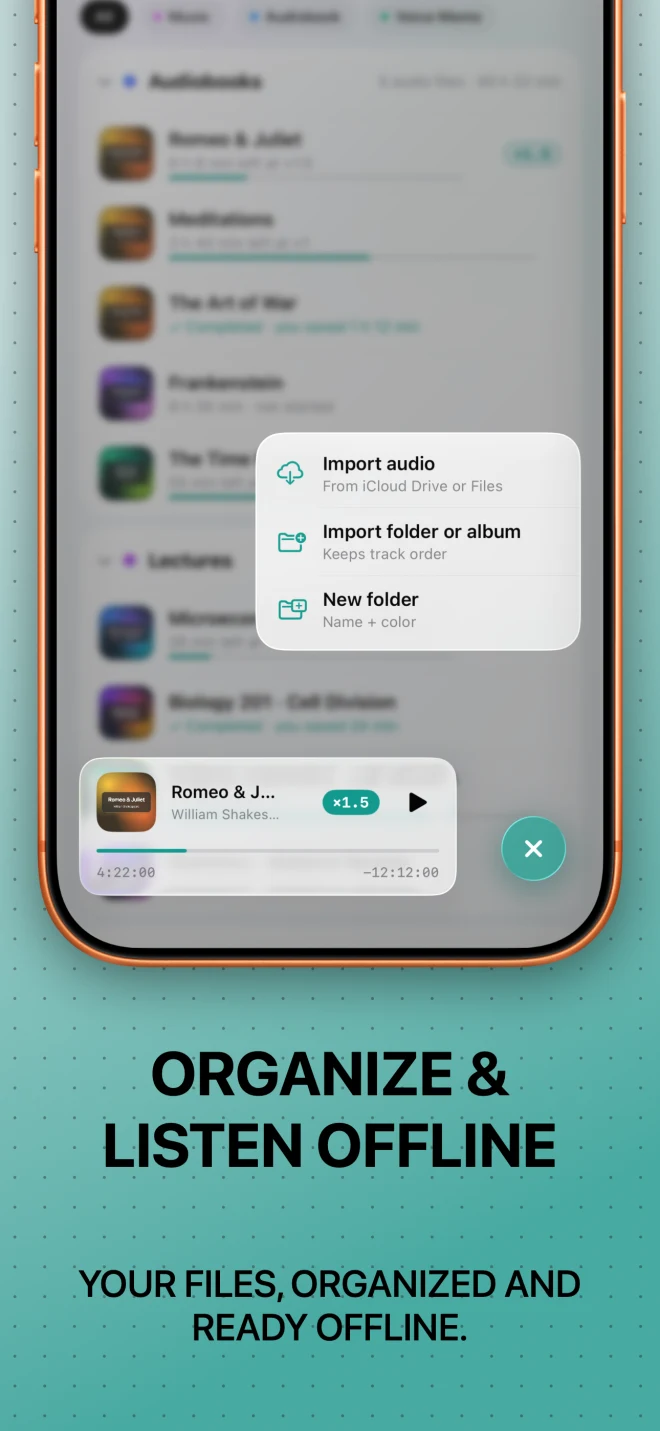
Built for offline listeningImport your own files from iCloud Drive and listen without an internet connection.
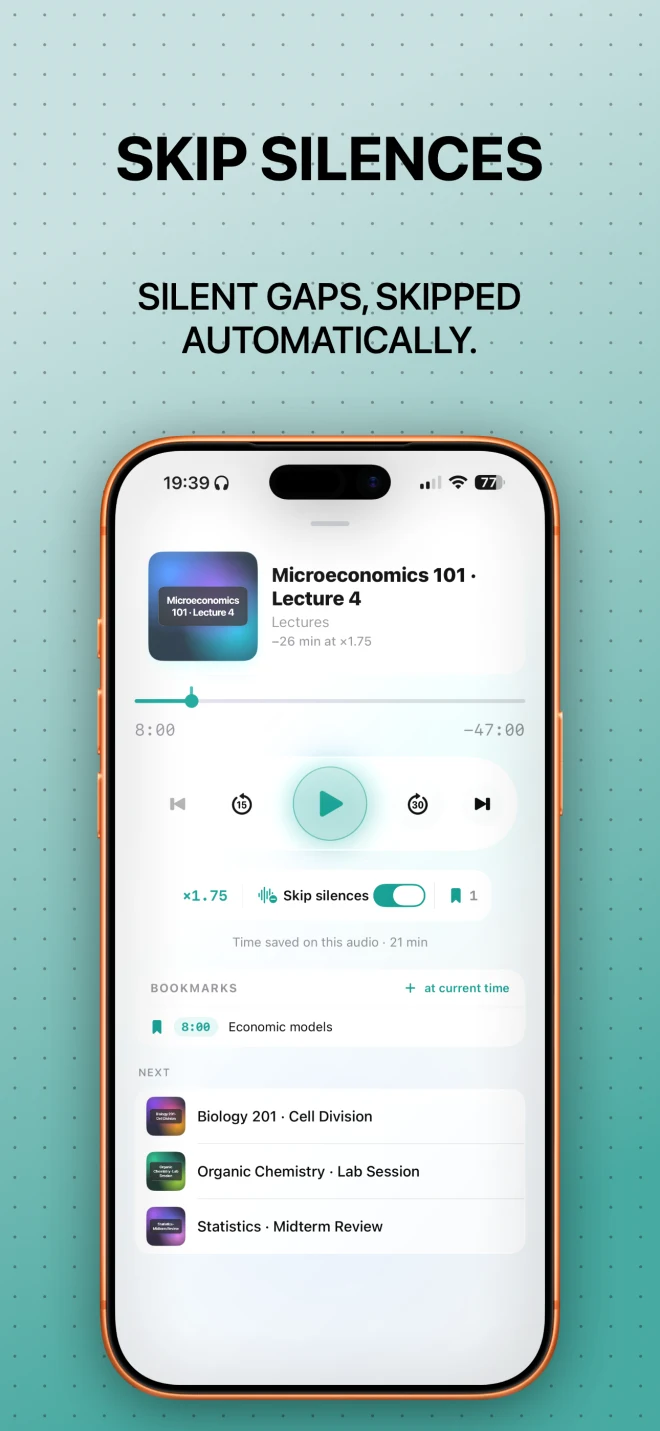
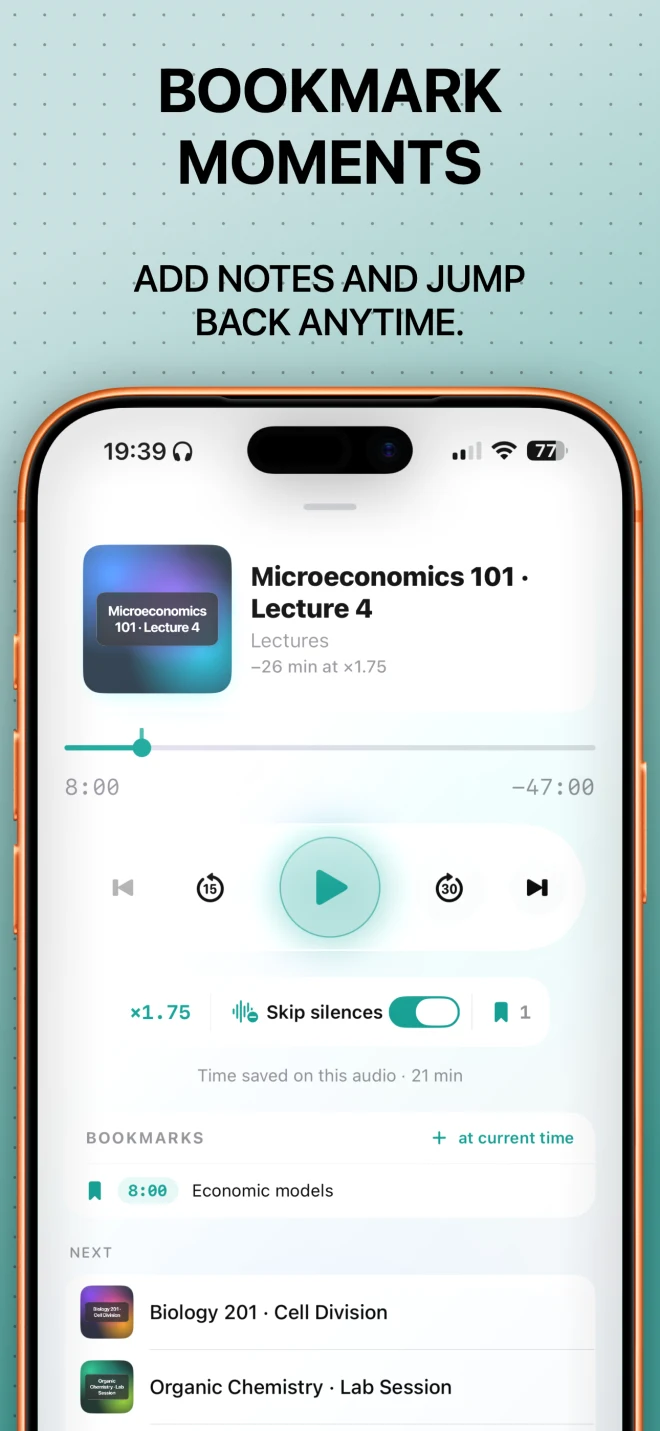
Choose playback speeds from 0.5× to 2×Automatically skip silences without touching the controls.
Try 3 audio imports freeDownload SpeedAudio free and try it with 3 audio imports.
One payment. Yours forever.No subscription. No recurring fees. Nothing to cancel.
More room to play
Same audio.
A much bigger stage.
A proper iPad experience, rebuilt for the big screen.
Your audio. Your pace. No internet required.
Listen more efficiently
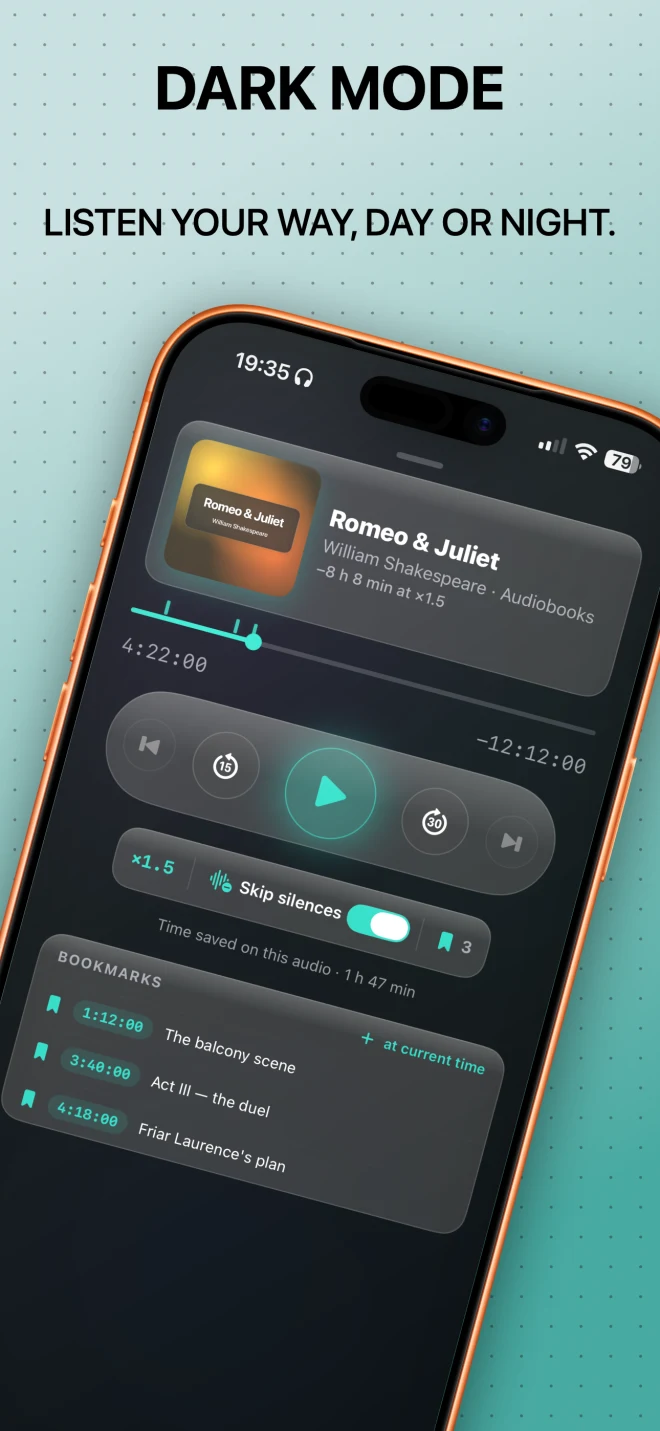
Choose playback speeds from 0.5× to 2×.
Automatically skip silences without touching the controls
Add bookmarks with notes to save important moments
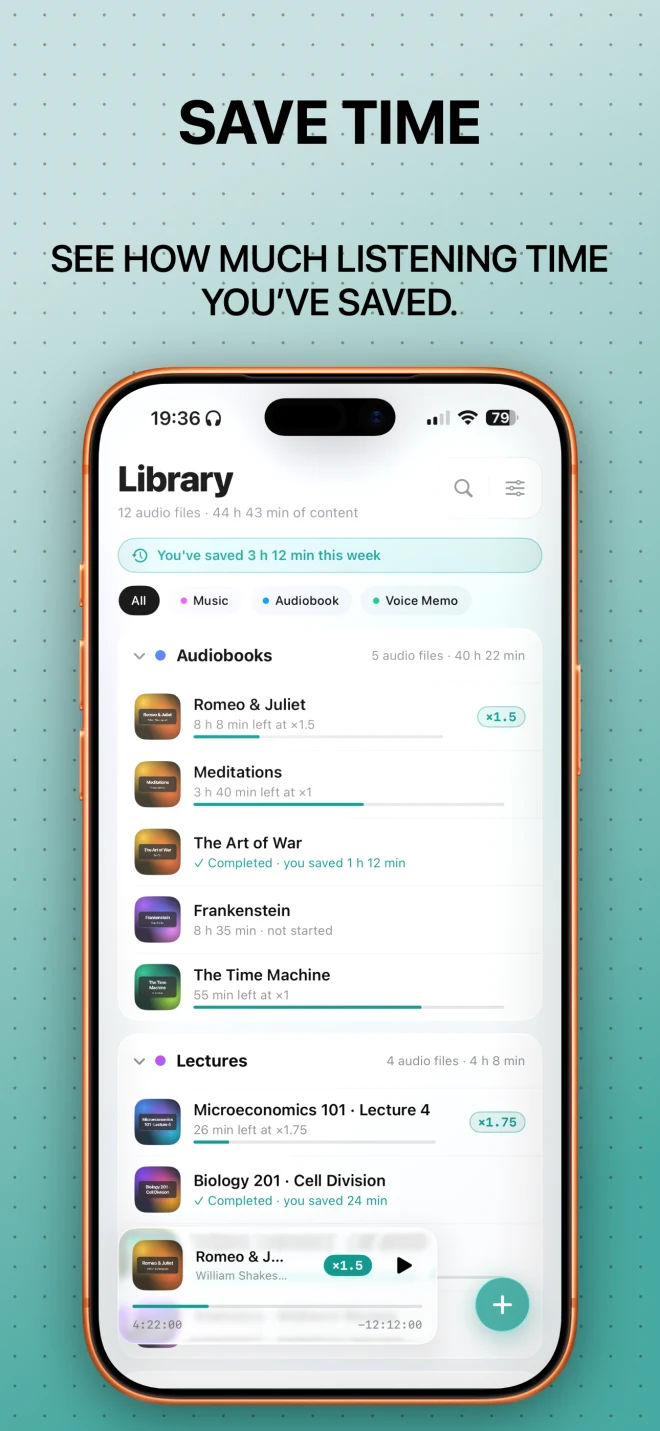
See how much listening time you’ve saved
Resume every file exactly where you stopped
Open the player automatically when playback starts
Your library, organised
Create folders, give them custom colours, and keep audiobooks, lessons, recordings, and other audio easy to find.
Built for offline listening
Your audio stays on your device or in your iCloud Drive.
Private by design
No account. No ads. No analytics. No tracking. No third-party SDKs.
A clean, native experience
SpeedAudio uses the Liquid Glass design of iOS 26 for a modern, focused listening experience.
Made for your listening
Simple on purpose.
From your first import to the last bookmark, every screen is designed to stay clear and focused.
Try 3 audio imports free
One payment.
Yours forever.
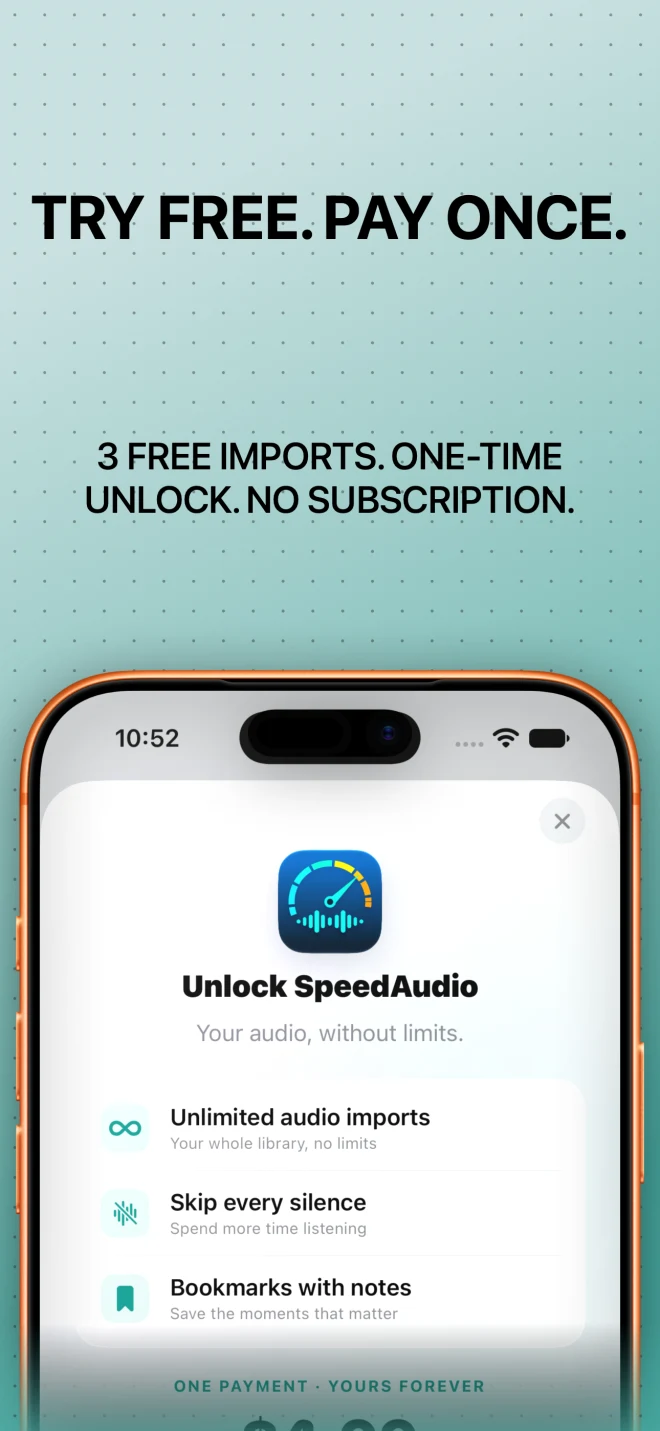
Download SpeedAudio free and try it with 3 audio imports. When you’re ready, unlock unlimited imports with a single one-time purchase.
Try it free
3audio imports
Download SpeedAudio free and try it with 3 audio imports.
Unlock unlimited imports
1×one-time purchase
When you’re ready, unlock unlimited imports with a single one-time purchase.
Version 2.2
More room
to play.
Same audio. A much bigger stage.
More room to play
Same audio. A much bigger stage.
- A proper iPad experience, rebuilt for the big screen.
- Previous and Next joined the controls, by popular request.
- Skip Silences can now be your default.
- Queues, imports, and playback got a serious tune-up behind the scenes.
- Polished and ready for iOS 27.
A smoother mix
- A few bugs got mixed out of the final track
- Small tweaks for a smoother listening experience
- Fresh new app icon
A complete new listen
A complete Liquid Glass redesign, bookmarks, automatic silence skipping, colored folders, time saved and a smarter player.
More languages, smoother playback
SpeedAudio became available in 11 new languages, with performance improvements and smaller fixes.
The first listen
The original offline player: your files from iCloud Drive, playback speed and lock-screen controls.
Private by design
No account.
No ads.
No account. No ads. No analytics. No tracking. No third-party SDKs.
Read the privacy policyAlso by Sergi Serrano
More small apps,
made with care.

Listen Offline at Your Speed
Your audio.
Your pace.
Your audio. Your pace. Listen offline, skip silences, save bookmarks and see time saved. Try 3 imports free, then unlock once — no subscription.
Download on theApp Store